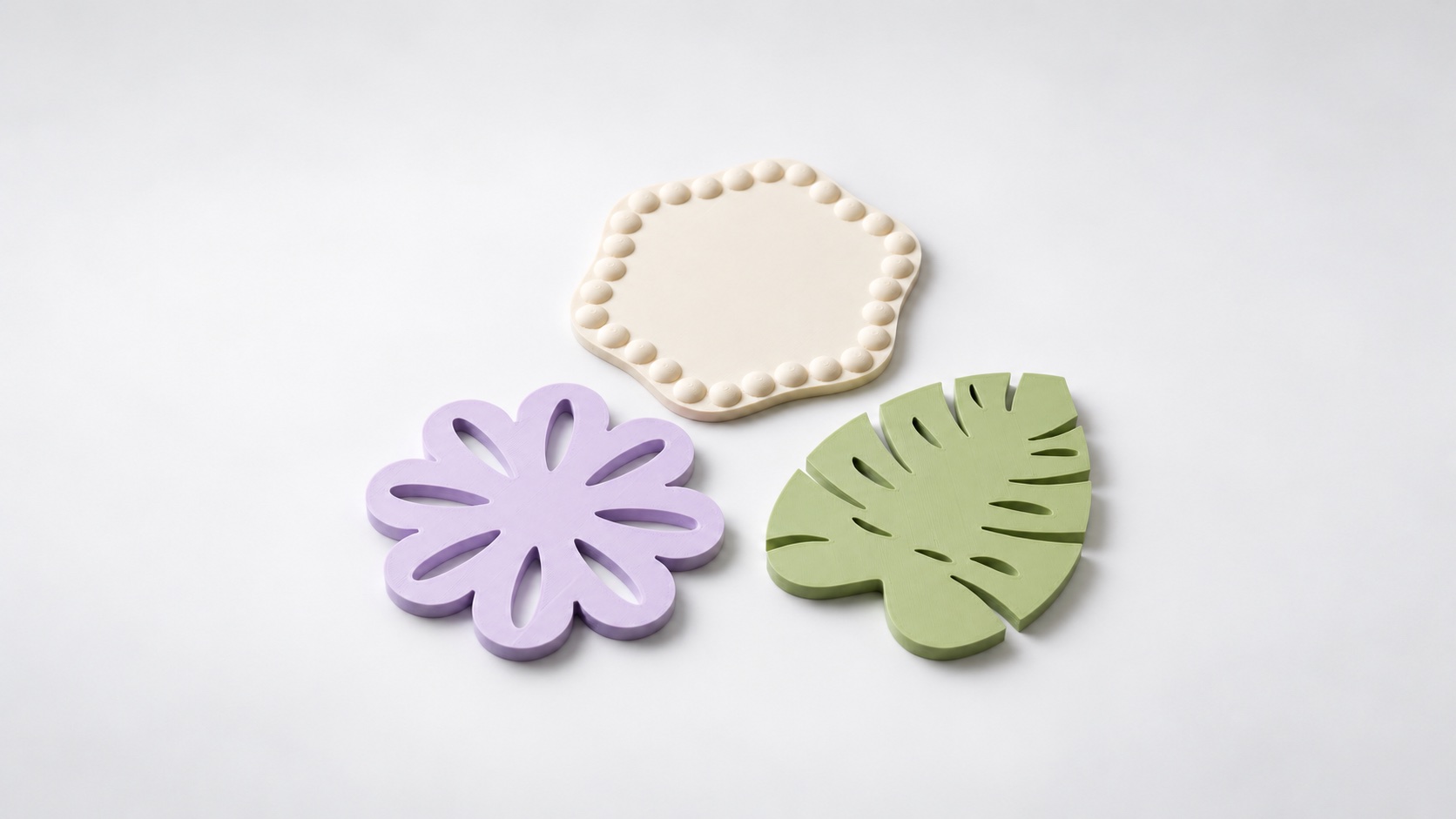
Design a 3D Printed Flower Coaster
Make a flower coaster with PrintVerse. Set the size, choose an openwork or solid surface, and check how your cup sits before printing a set.
Ideas, guides, and updates from PrintVerse.
Make a flower coaster with PrintVerse. Set the size, choose an openwork or solid surface, and check how your cup sits before printing a set.
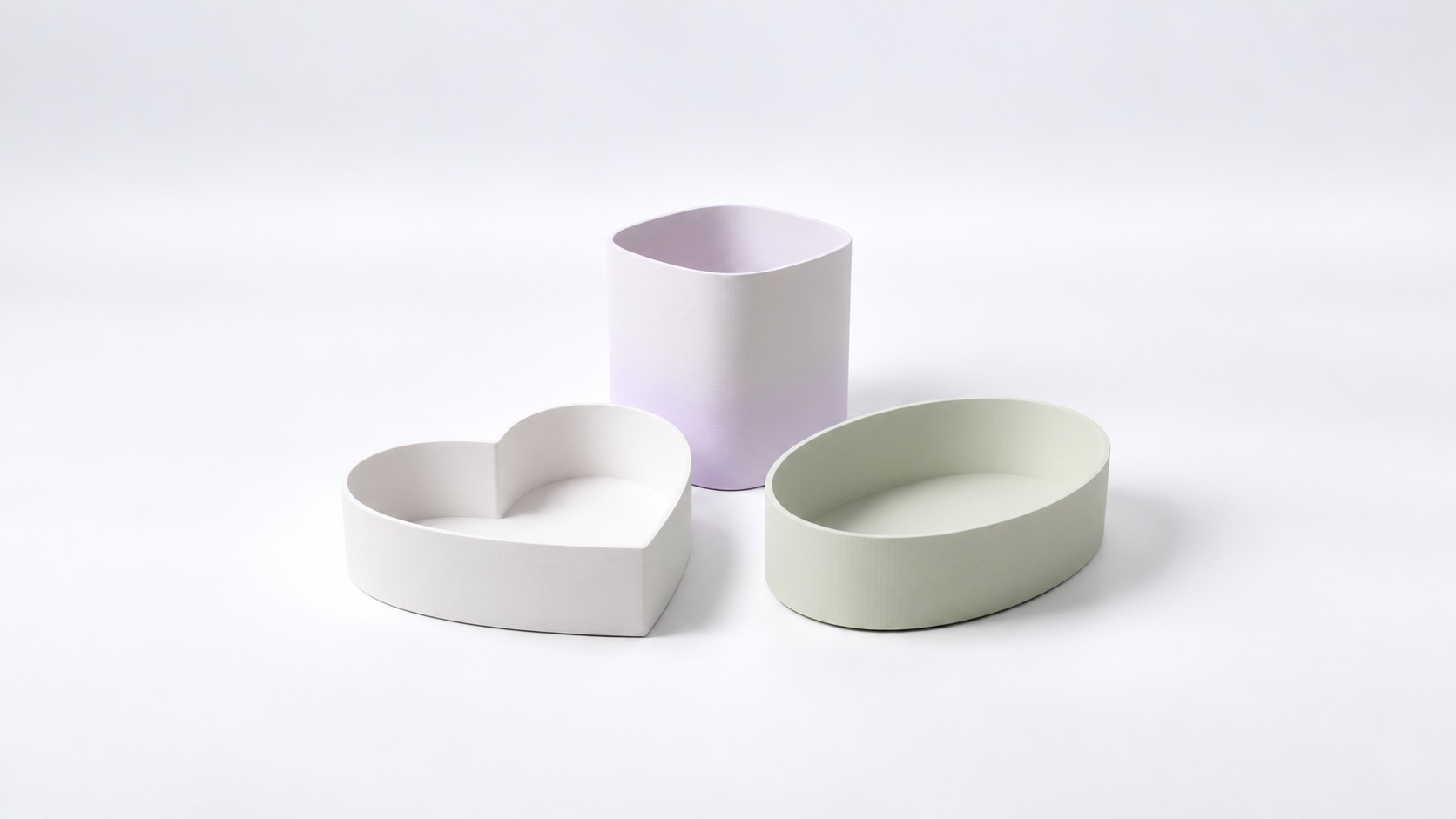
Create a small heart-shaped tray with PrintVerse. Learn how the outline, wall thickness and height work together, then download your model for slicing.
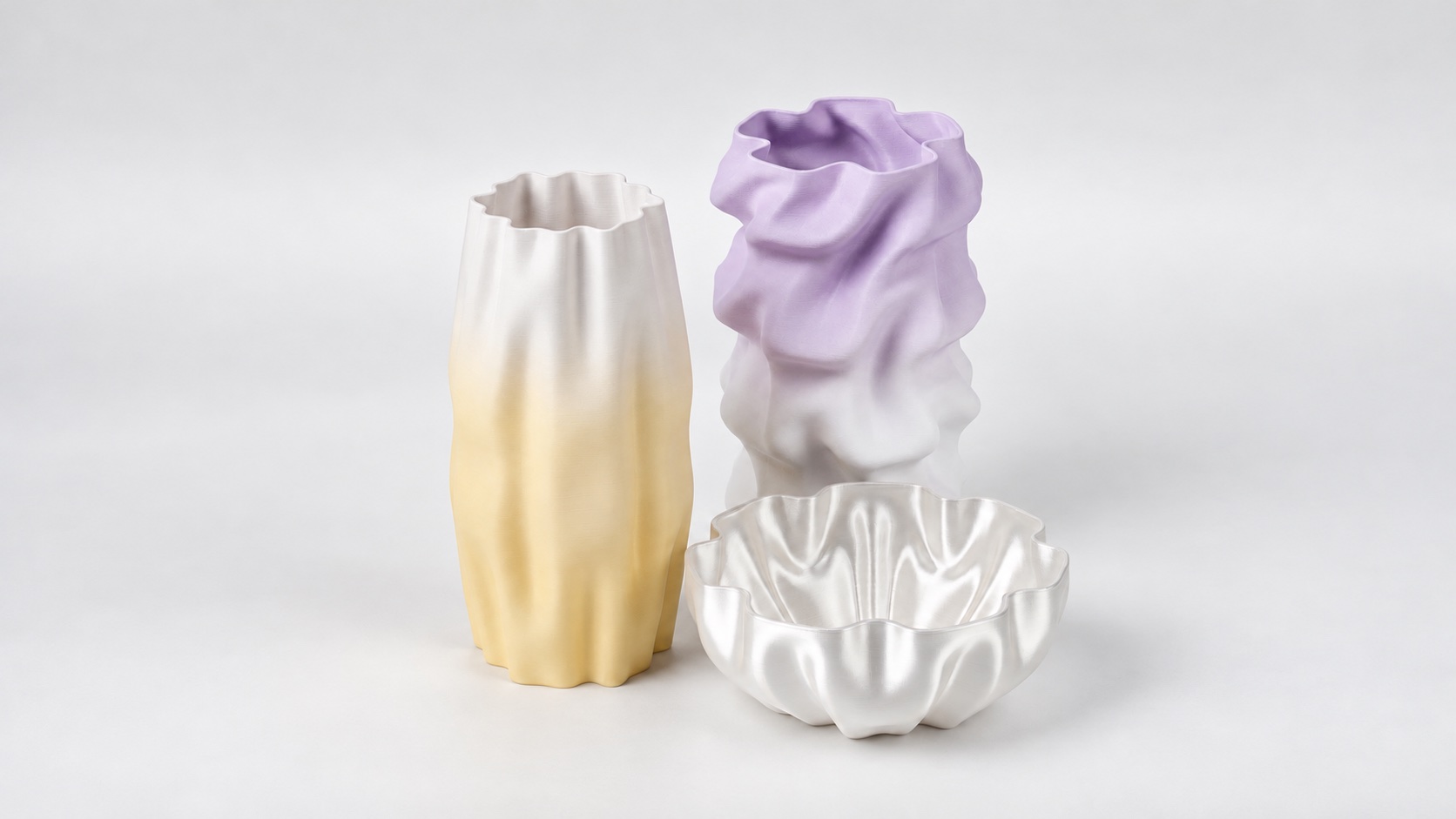
Shape a custom vase in your browser. Follow a 100 mm example, adjust the profile and wall thickness, then prepare an STL or 3MF for slicing.
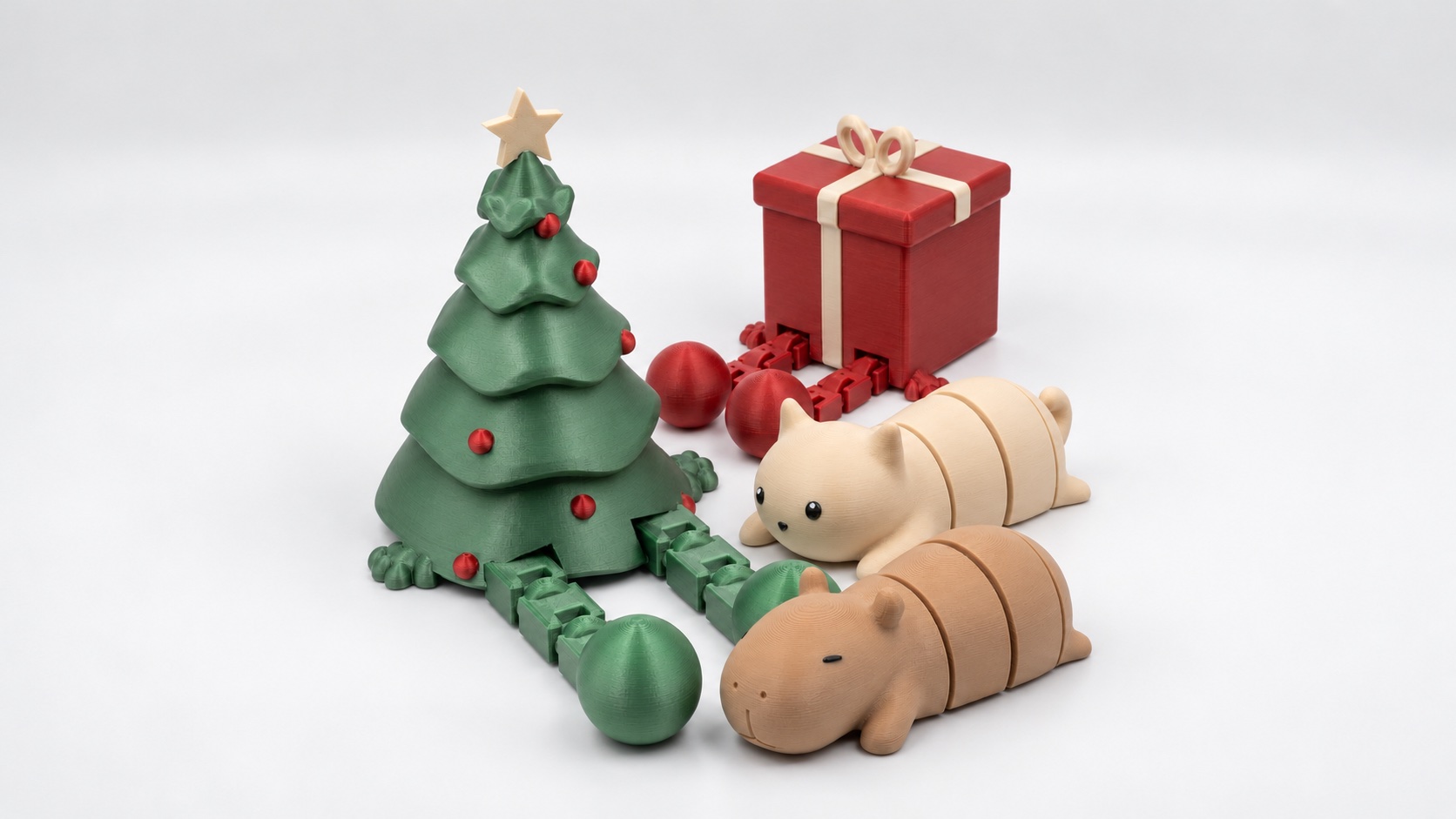
Customize an articulated capybara in PrintVerse. Explore the Flexi templates, choose colors and learn what to inspect in the joint gaps before a trial print.
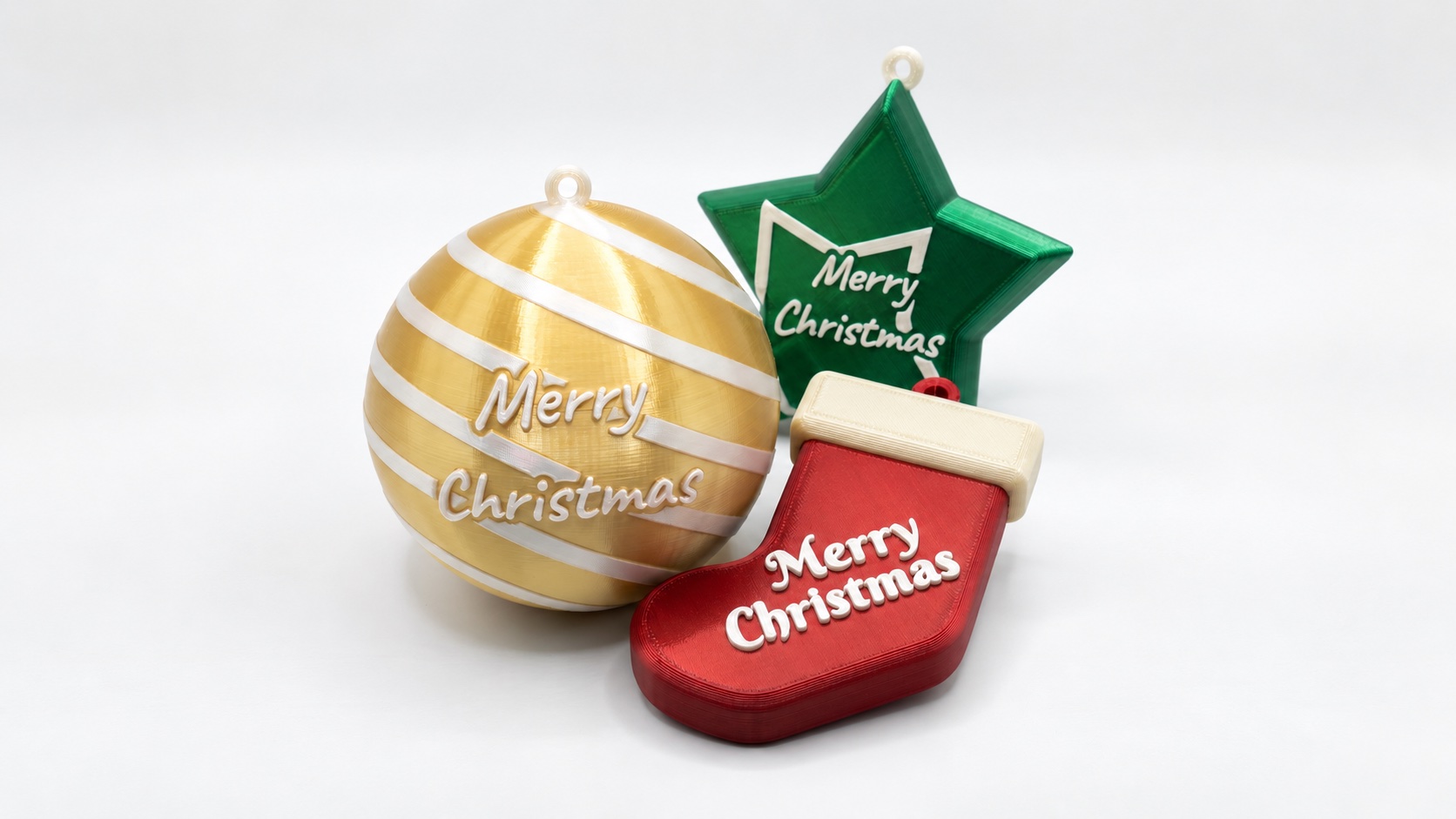
Add a name and year to a Christmas ornament in PrintVerse. Start with a layered round design, choose colors and prepare the model for your slicer.
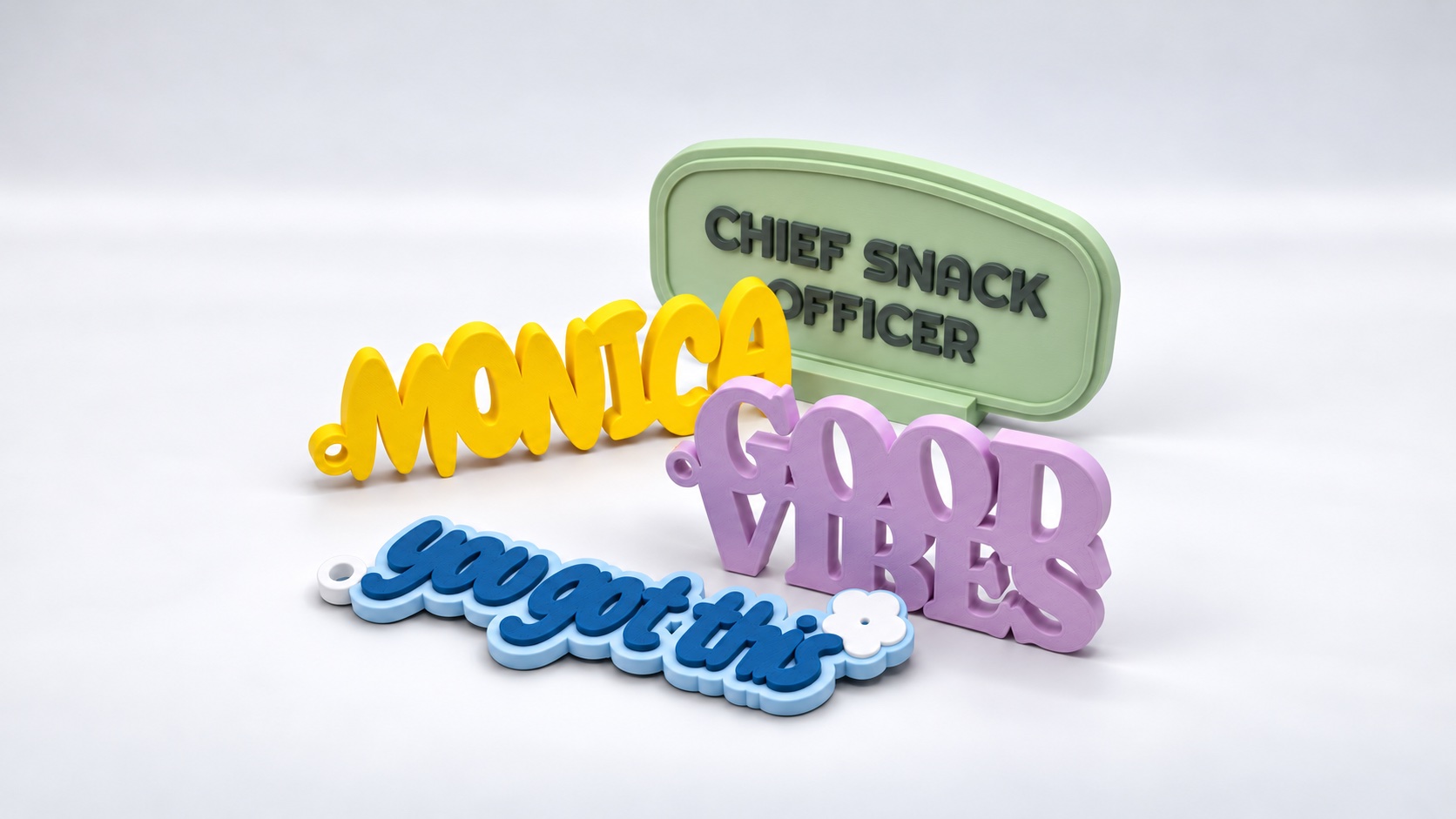
Turn a name or short message into a 3D model with PrintVerse. Choose a template, edit the lettering and colors, then prepare your nameplate for printing.
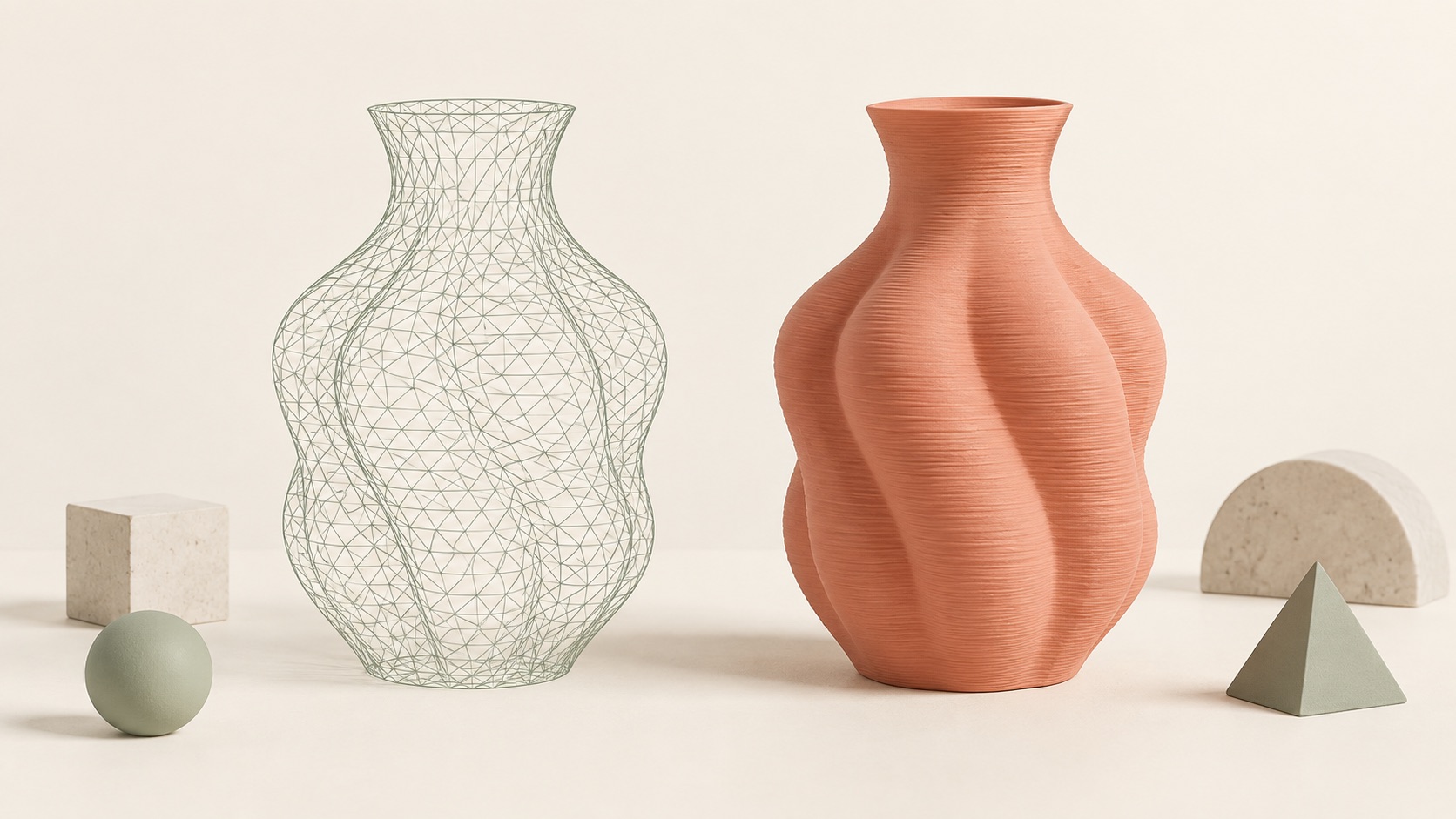
AI-generated 3D models can look impressive but still fail to slice or print. Learn how mesh errors, thin walls, overhangs, scale, and missing geometry affect real-world 3D printing.
What is an STL file, and why is it used for 3D printing? Learn how STL files work, what they contain, their limitations, and how to prepare one for your slicer.